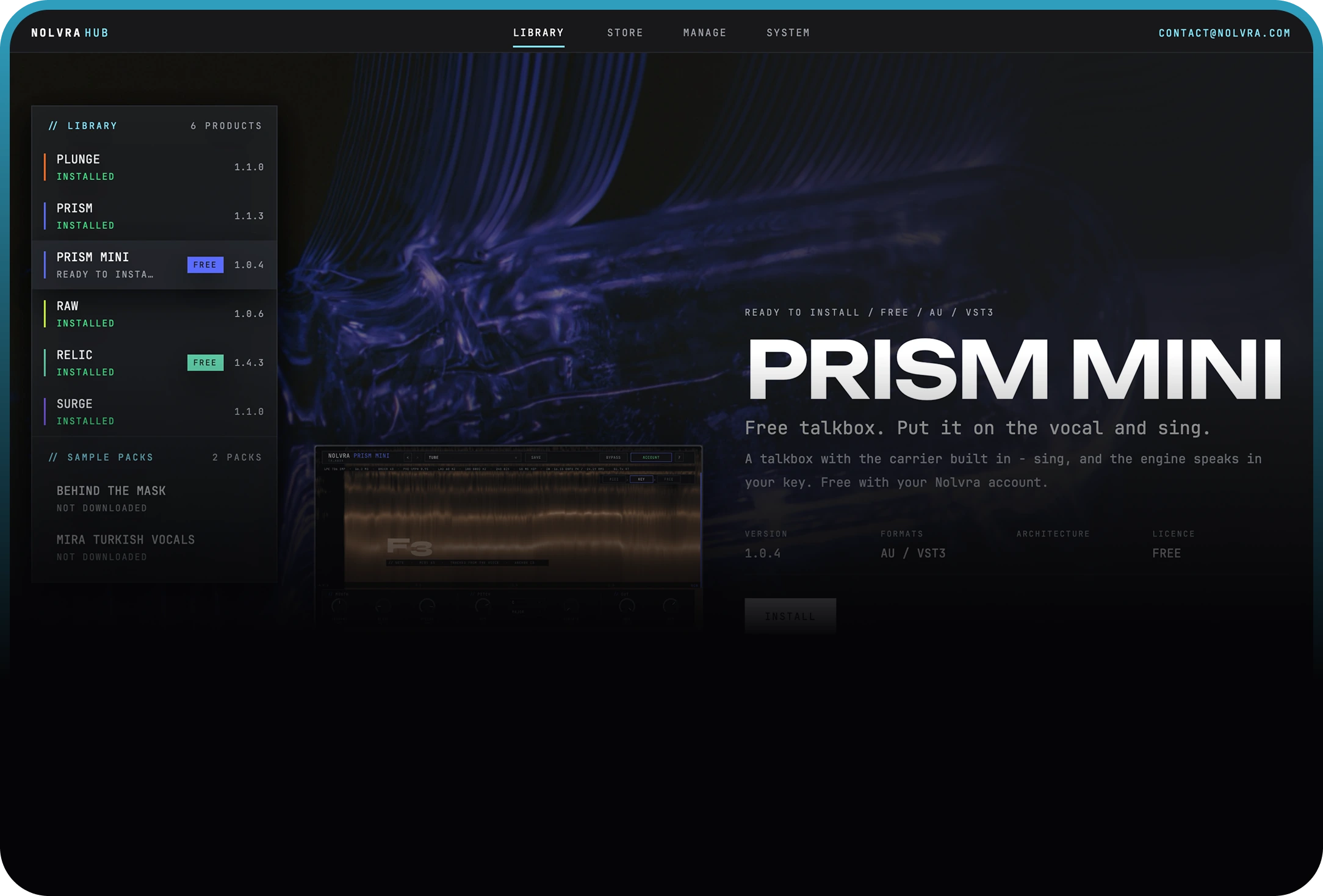
What Hub does
Product control, simplified
Nolvra Hub is the official desktop portal for products, licenses, downloads, and updates.
Everything together
Access your products, licenses, downloads, and updates without searching through emails or account pages.
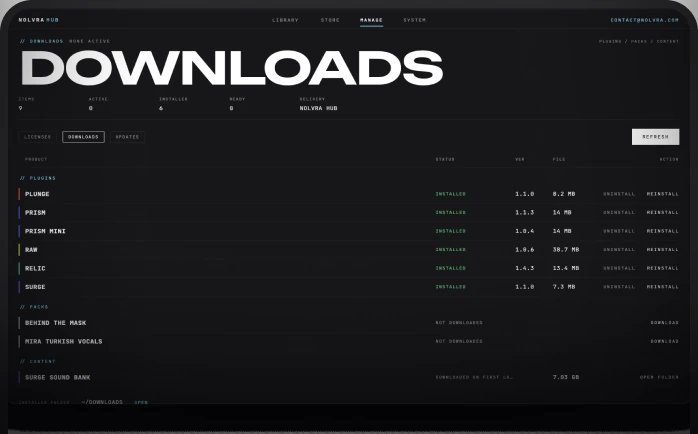
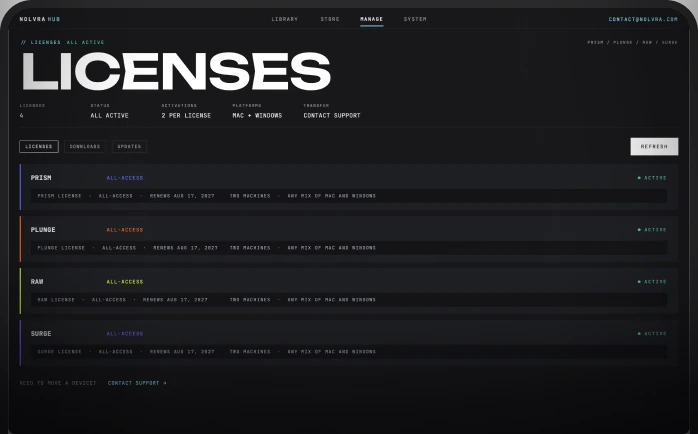
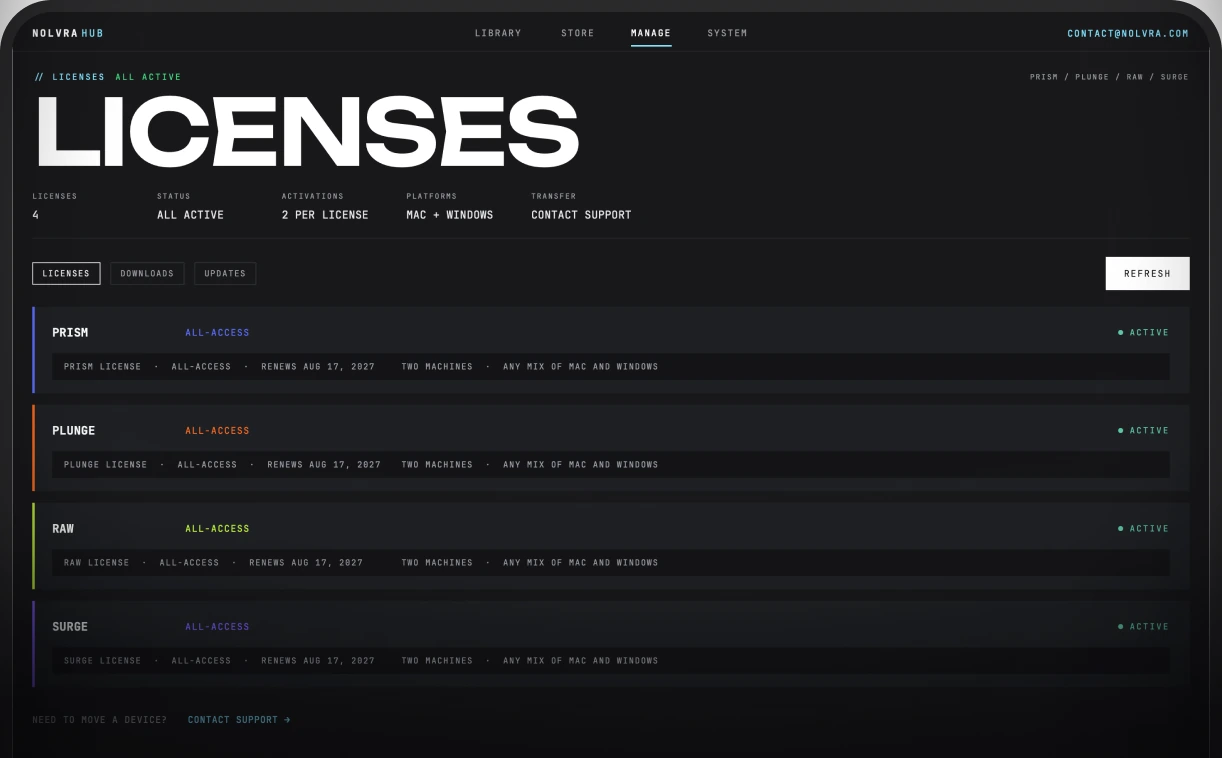
License control
Every license in one list, each with its plan, its renewal date and whether it is active. Two machines per license, any mix of Mac and Windows, and the screen carries the line for the rest: NEED TO MOVE A DEVICE? CONTACT SUPPORT.
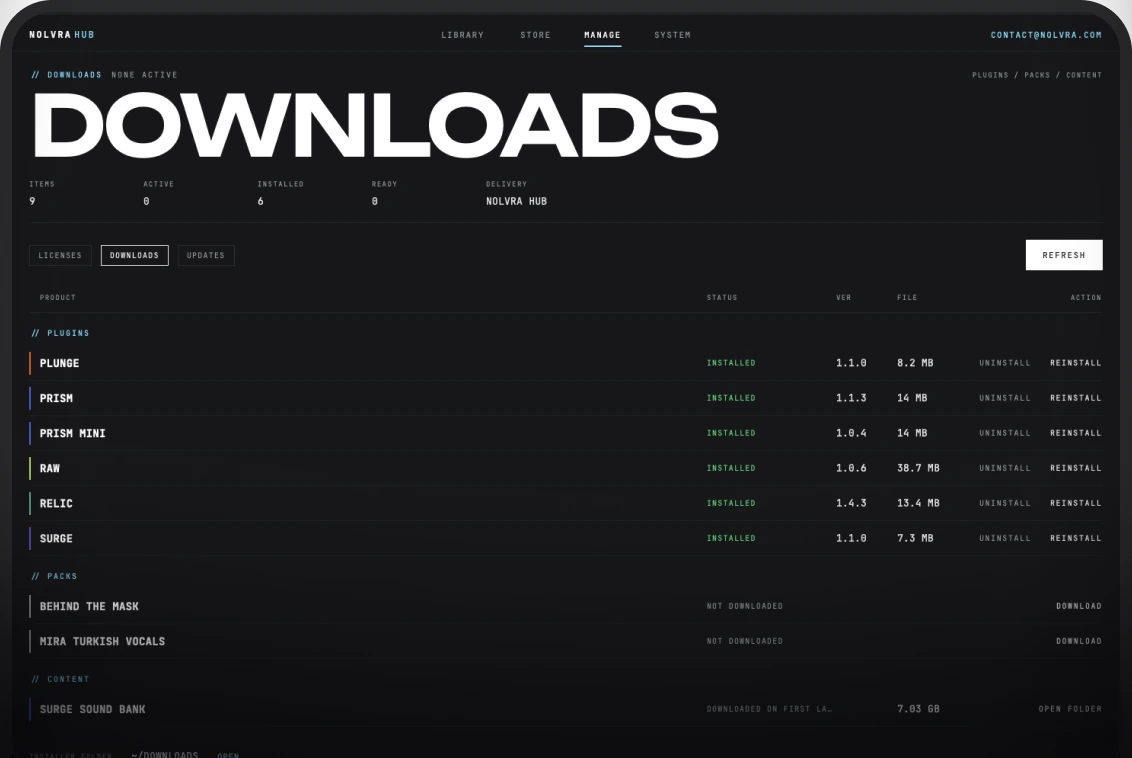
One-click updates
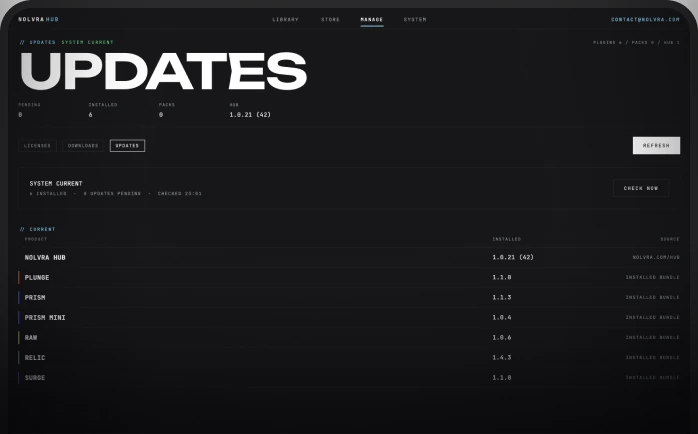
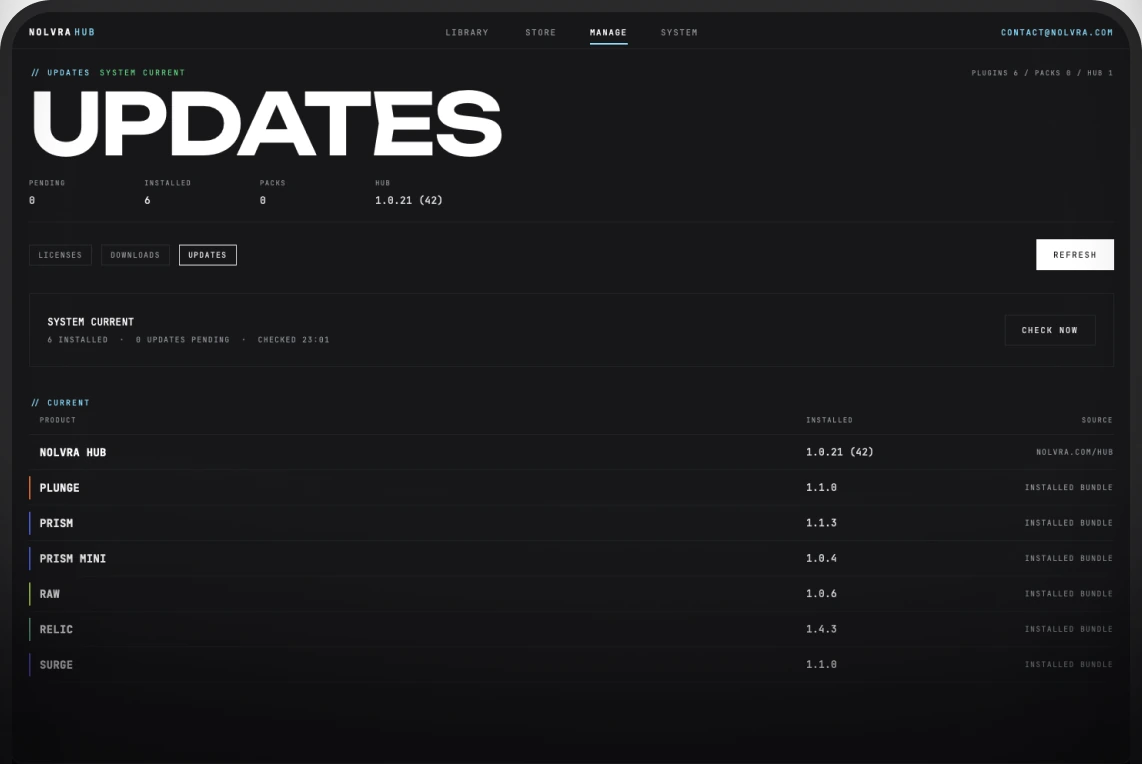
Download installers directly inside Nolvra Hub and stay current with the latest plugin versions.
Account and settings
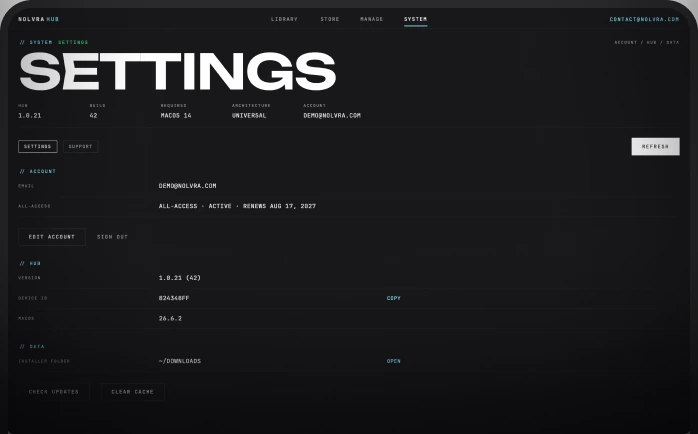
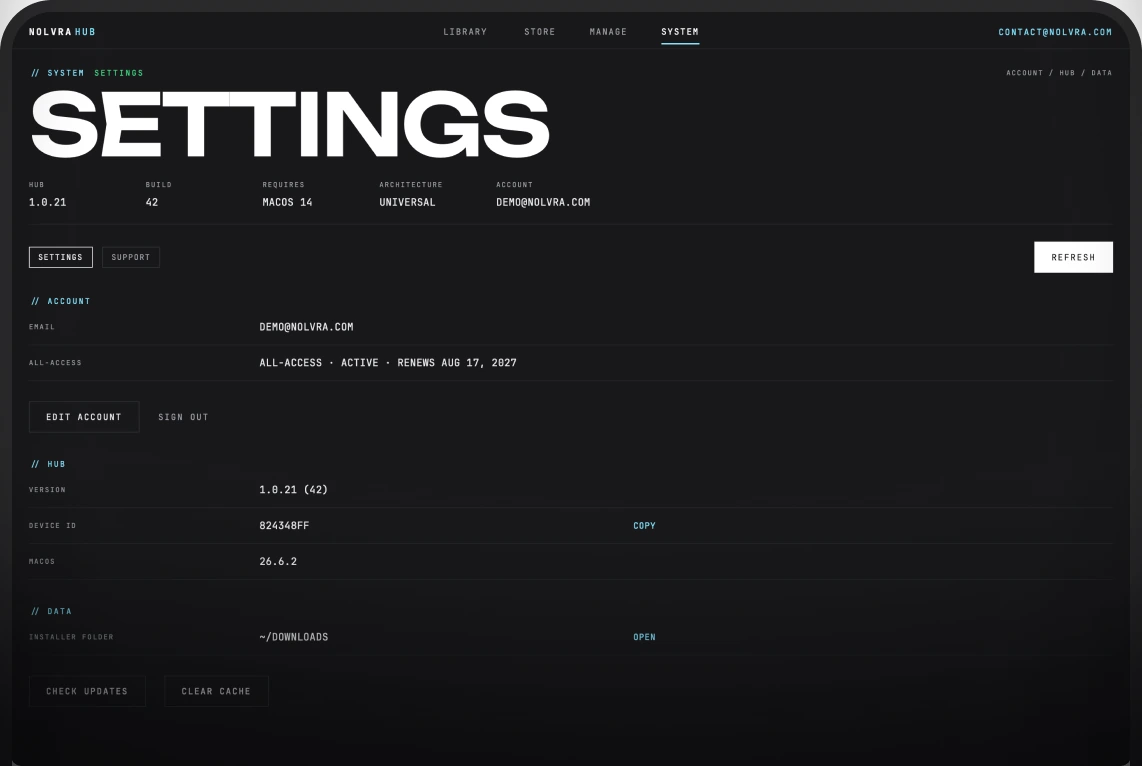
See the account you are signed in with, the Hub version, this machine's device ID, and where installers land.
Inside
Built for Nolvra
A focused desktop app for RIDGE, IMAGER, PRISM PRO, PRISM MINI, RAW, RELIC, PLUNGE, SURGE, and upcoming Nolvra plugins. Every product state has a clear next action.
Product library
Owned products, available downloads, and install states in one scan.
License keys
Keep the activation details of your purchases visible without opening separate account pages.
Future ready
Upcoming Nolvra plugins can enter the same Hub experience from day one.
FAQ
Practical details
What is the Nolvra Hub?
A free app for macOS and Windows that holds your account, licenses, downloads and installs for every Nolvra product.
Which systems does the Hub run on?
On macOS it needs macOS 14 or later and an Apple Silicon Mac. On Windows it is a 64-bit app.
Does it need to run in the background?
No. Open it when you want to install, update or manage licenses.
How do I sign in?
With a one-time code sent to your email. No passwords.
Can I use my products on more than one machine?
Yes. A purchased license activates on two machines, and they can be any mix of Mac and Windows. The Hub does not manage devices, so when you switch computers, mail support@nolvra.com with your order number and we free the slot, then you activate the new machine.
Does the free trial come with a license key?
No. A trial unlocks the plugins on the machine you are signed in on, so there is no key to copy and no device slot to free. Keys belong to the products you buy, and they appear on the Hub's Licenses screen after checkout.
Where does my purchase show up?
The purchase mail confirms the order and carries the installer links; the key itself is not emailed. Sign in to the Hub (or the site's Account page) with the same email you bought with and the product appears under your licenses, its key on the Hub's Licenses screen.
Is Windows supported?
Yes, fully. The plugins run on macOS and Windows, the Hub runs on both, and one license covers both: your activations can be any mix of Mac and Windows machines. You can also activate a plugin directly with your license key if you would rather not install the Hub.


Nolvra Hub
Keep every product ready
Install Nolvra Hub to manage products, licenses, downloads, and updates from one place.