How it works
The room is not part of your sound
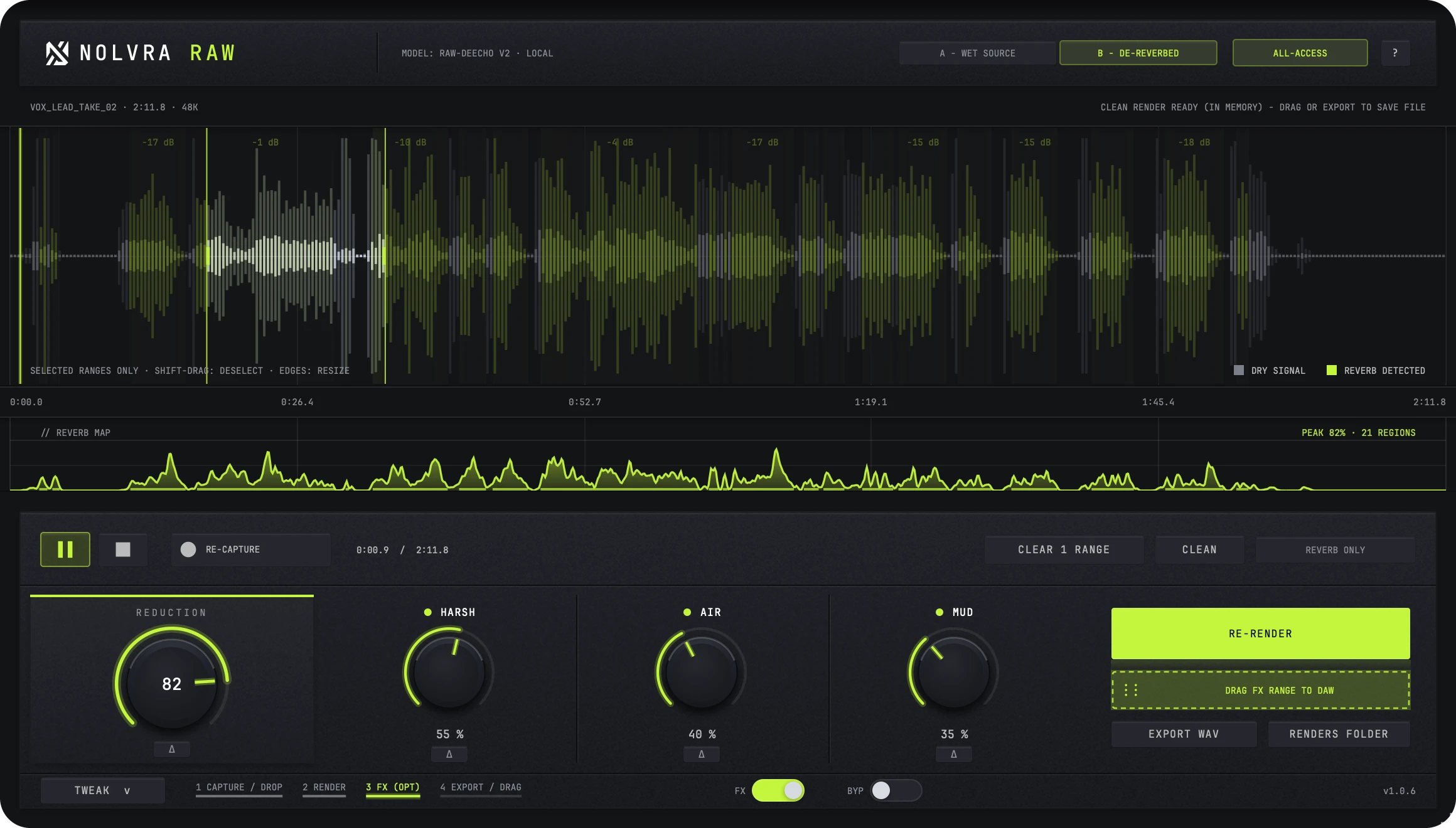
A vocal cut in a bad space. A sample drowned in someone else's reverb. RAW strips the room and hands the sound back dry.
Capture
Capture the audio.
Select
Select the range on the waveform.
Drag
Drag the clean version into your project.
The film
Watch the room leave
A vocal goes in wet. RAW measures the room, renders offline, and hands the voice back dry.
- 00:06Every recording carries its room
- 00:44Render. The room comes off.
- 00:47Capture the vocal
- 00:52Shape what is left
Main demo
Try the clean
The same take, before and after RAW.
Vocal · Reverb
Shape
Shape what comes back
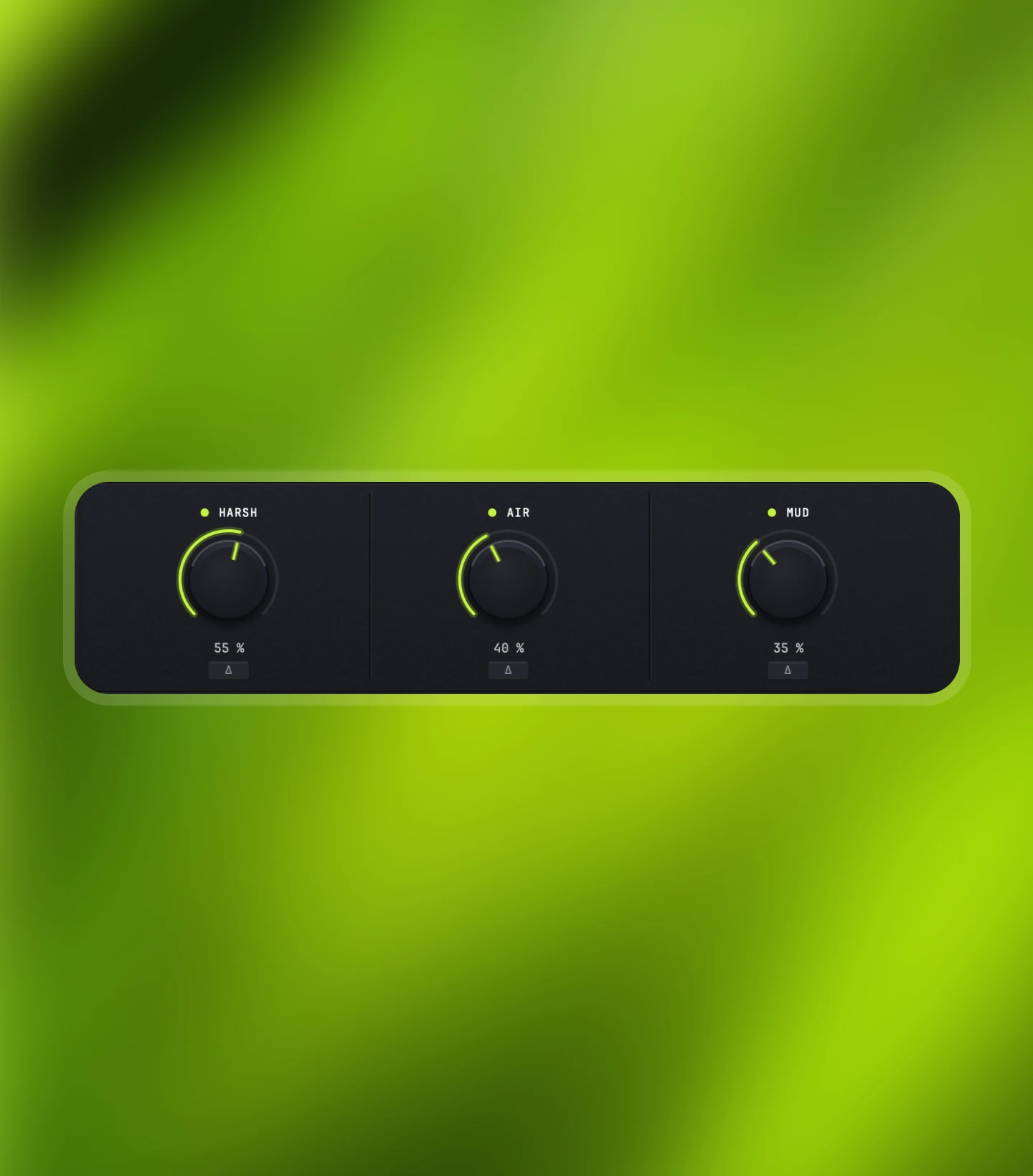
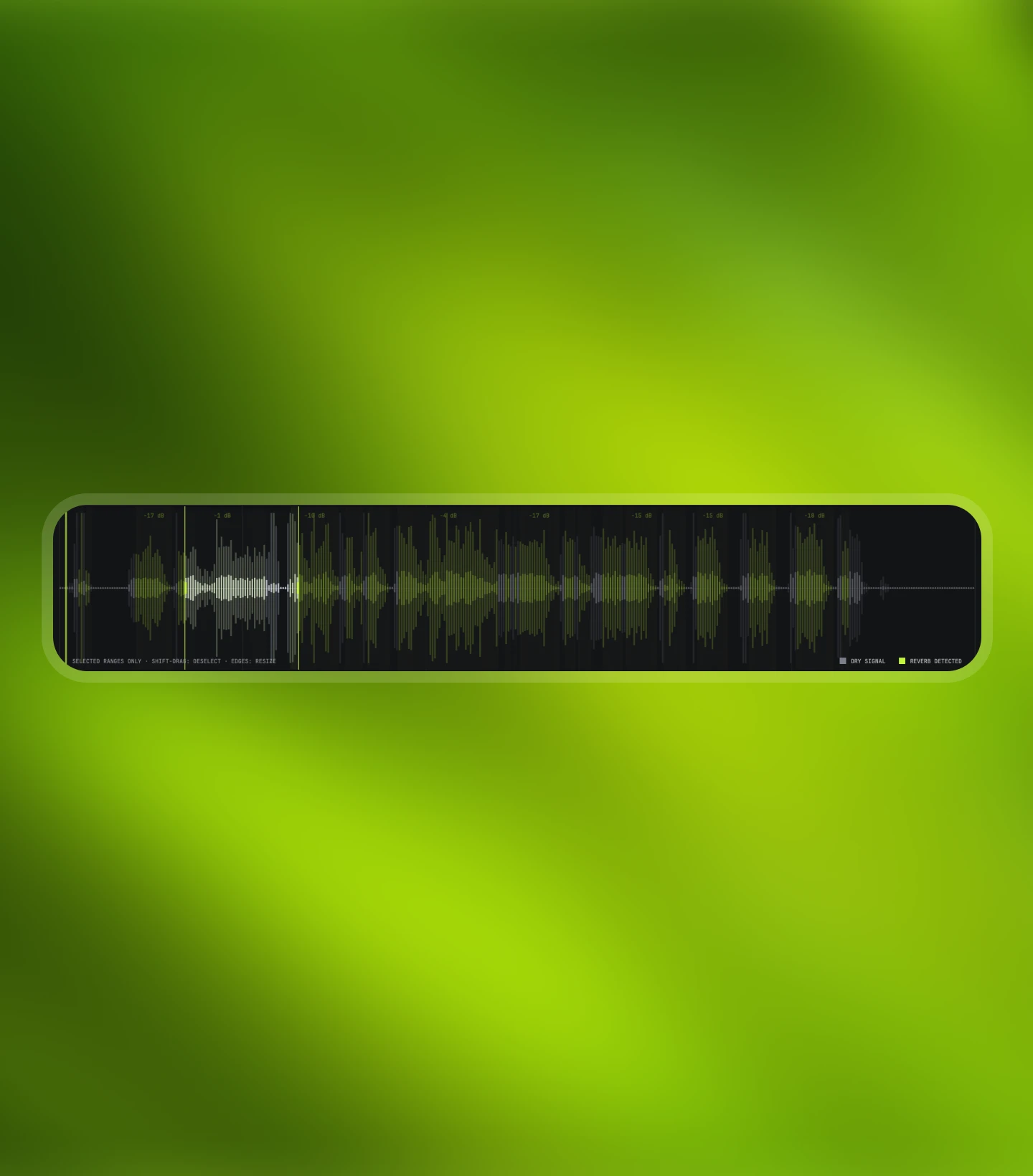
REDUCTION sets how much of the space goes. HARSH, AIR, and MUD clean up what the room left behind. The REVERB MAP shows the measured reverb across your audio, so you treat only the parts that need it. Select a range, leave the rest untouched.
- ReductionHow much of the space goes
- Harsh · Air · MudClean up what the room left behind
- Reverb mapTreat only the parts that need it
Local
Yours stays yours
RAW's model runs on your machine. Nothing is uploaded, nothing leaves your session. Exports and drag-outs are 32-bit float WAV, so what you hear is what lands in your DAW.
- On your machineThe model runs locally
- Nothing uploadedNothing leaves your session
- 32-bit floatExports and drag-outs stay lossless
Product details
Technical specs
The practical details, organized for a quick scan.
Output
Plugin formats
- FormatsAU/
VST3/ Standalone (macOS) · VST3 (Windows) - ProductDe-reverb
Platforms
System support
- Version1.0.6
- Installer38.7 MB (macOS) · 8.5 MB (Windows)
- macOS14 or later
- WindowsVST3
- ManagerNolvra Hub
- UpdatesThrough Hub
Processing
Local AI
- ModelLocal de-reverb model
- ScopeRange-selective processing
- UploadNone
Export
File output
- Export32-bit float WAV
- Drag-out32-bit float WAV
Available for macOS and Windows. On Mac it needs Apple Silicon; on Windows it is a 64-bit app. VST3 and AU on Mac, VST3 on Windows. Full system requirements
License
One license, every session
RAW is a one-time purchase, or included with Nolvra All-Access. Sign in to Nolvra Hub, install, done.
Purchase
Buy once, or get it with Nolvra All-Access.
Download
Open Nolvra Hub, sign in, and install RAW from there.
Install & create
Capture a take, select the range, drag it back dry.
Further reading
Guides that use it
How RAW fits a session, written out step by step.
- Remove Reverb From A Vocal You Did Not RecordA sample arrives with someone else's room baked in. Reverb removal is a range decision, not a whole file render, and it does not need the cloud.
- Vocal Chain OrderEQ, compression, de-esser, reverb. The order is not taste: each stage changes what the next one hears.
- Tame Harshness: 2 To 5 kHzThe range that makes a mix sound loud is the range that makes it hurt. Keep the presence and lose the fatigue.
- Recording Vocals In A Room You Cannot TreatReflections are a distance problem, not a gear problem. What to change at the microphone in an untreated room, and which damage no later pass can undo.
- Why Stem Splitters Leave ArtifactsSeparation is a guess, not a cut. Where the watery modulation, the whistles and the ghosts in the silence come from, and how to work around them.
- Clean Before You Pitch: The Order To Flip A SampleA flip is a chain of destructive edits. Clean, find the key, pitch, slice, place: why each stage makes the next one harder when you run it out of order.
Start with RAW
Get RAW
Stop re-recording takes because of the room they were cut in.
$99